
Affiliate disclosure: As an Amazon Associate I earn from qualifying purchases. Learn more
Video calls are basically part of life now, but most laptop cameras still make you look like a blurry ghost the second you lean back. If you sit a few feet from the screen or move around while you talk, the image falls apart fast. So we tested over 20 webcams in real, everyday setups, not perfect studio lighting.
The result: 9 models that stayed sharp, clear, and flattering even when we stepped back, shifted positions, or didn’t stay glued to the center of the frame. With better sensors, faster autofocus, and smarter tracking, these picks keep you looking like you, not a pixelated smudge.
1. Insta360 Link 2 Pro (4K PTZ)
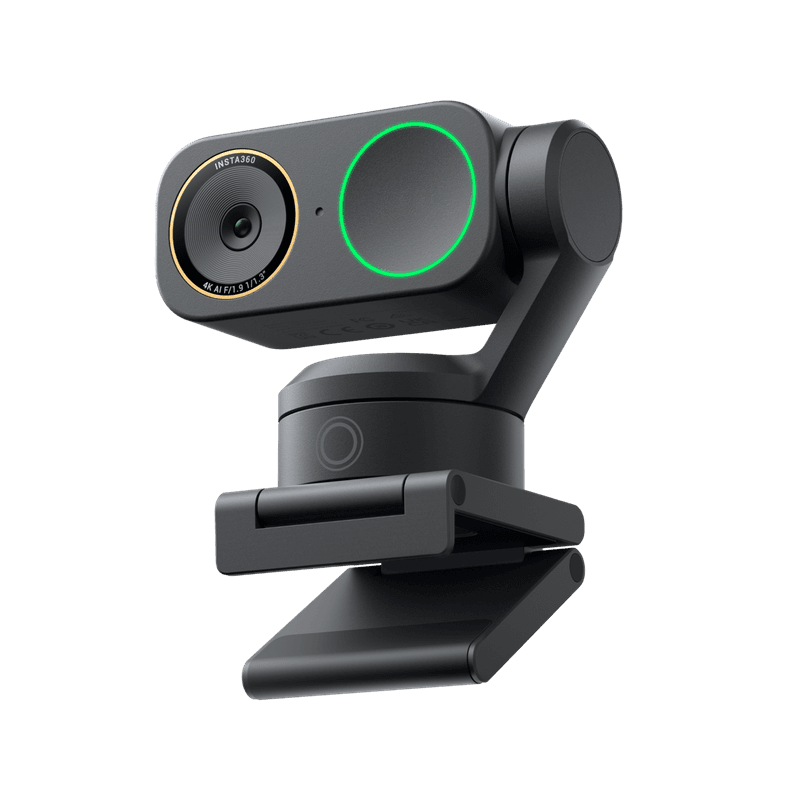
Presenters and teachers who pace around during calls will love how this gimbal webcam follows every move. The Link 2 Pro uses a three-axis stabilizer that swivels smoothly, keeping your face centered even when you lean back in your chair or step to the side to grab notes.
That mechanical tracking feels surprisingly natural, not jerky or robotic like older models.
Image quality stays consistently sharp thanks to the 4K sensor and strong autofocus system. Colors look accurate under various lighting conditions, and the camera adjusts exposure quickly when you move between bright and shadowed areas.
You won’t see that annoying blur or pixelation that cheaper webcams produce when you’re farther from the desk.
Setup takes just minutes because the camera works with popular video apps right out of the box. The companion software lets you set tracking zones, adjust field of view, and even program gesture controls if you want hands-free framing adjustments.
It’s pricier than basic webcams, but the gimbal technology and crisp distance performance justify the cost for anyone who needs reliable auto-tracking during presentations, demos, or active teaching sessions where staying glued to one spot just isn’t practical.
2. Elgato Facecam Pro (4K60)
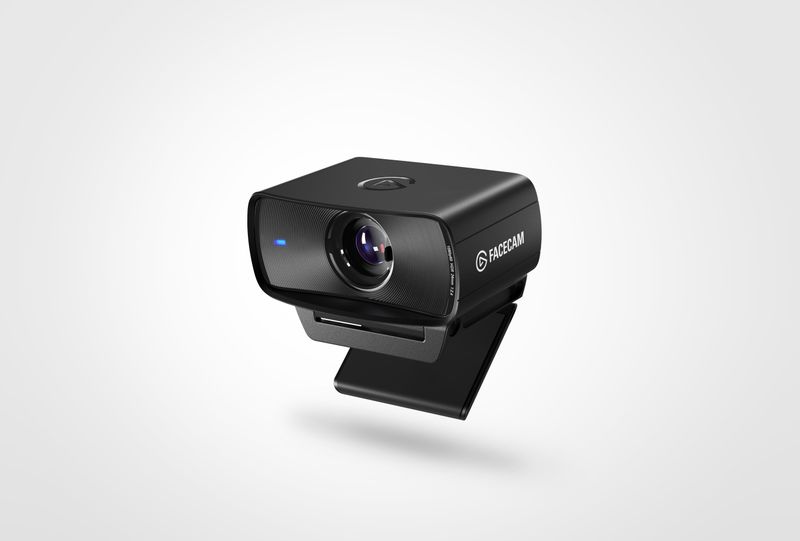
Streamers and remote workers who sit farther back from their monitors appreciate how this camera locks onto faces with serious precision. The Facecam Pro shoots 4K video at sixty frames per second, which means your movements look buttery smooth instead of choppy or stuttery.
That extra frame rate makes a noticeable difference during animated conversations or when you gesture with your hands.
Autofocus performance stands out as one of the best we tested. Even when you lean way back in your chair or shift side to side, the camera refocuses almost instantly without hunting or going soft.
Face-tracking algorithms keep your features sharp while gently blurring the background, creating that professional depth-of-field effect you normally only get from fancy DSLR cameras.
Elgato’s control software gives you DSLR-style manual adjustments if you want to fine-tune exposure, white balance, and field of view. The camera records in uncompressed 4K, so your video looks clean without compression artifacts or weird color banding.
It’s definitely an investment, but the combination of smooth 60fps recording, reliable distance focusing, and professional image quality makes it worth considering if video calls are a big part of your daily routine.
3. Logitech MX Brio (Ultra HD 4K)
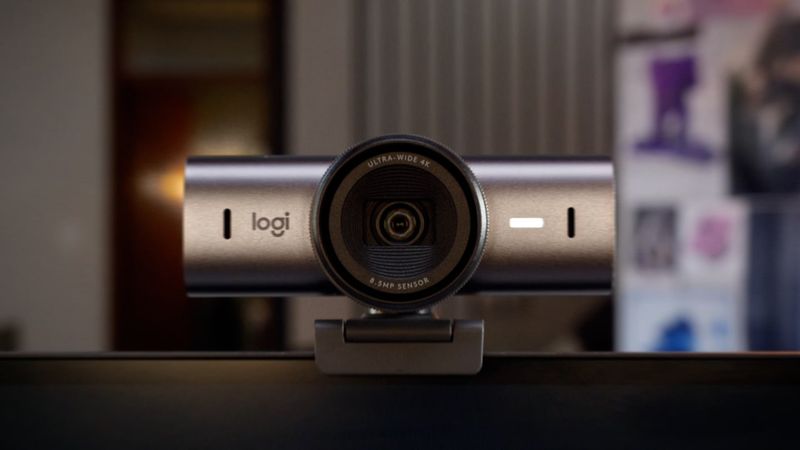
Busy professionals who want great video without fussing with settings will find this Logitech model incredibly convenient. The MX Brio uses artificial intelligence to automatically adjust brightness, contrast, and color balance as lighting conditions change throughout the day.
That means you look consistently good during morning calls with harsh sunlight and evening meetings under warm lamp light.
Autofocus works reliably across different distances, keeping your face sharp whether you’re leaning close to read something on screen or sitting back during a casual conversation. The camera handles mixed lighting surprisingly well, balancing bright windows behind you without turning your face into a dark silhouette.
Image processing happens inside the camera, so it doesn’t bog down your computer’s processor during important calls.
Installation couldn’t be simpler because it works instantly with Windows, Mac, and most video conferencing apps. The built-in privacy shutter slides over the lens when you’re not on calls, giving you peace of mind without needing to stick tape over the camera.
It costs more than basic webcams, but the hands-off AI enhancements and solid distance performance make it perfect for anyone who wants professional-looking video without becoming a lighting and camera expert first.
4. Dell UltraSharp WB7022 (4K UHD)
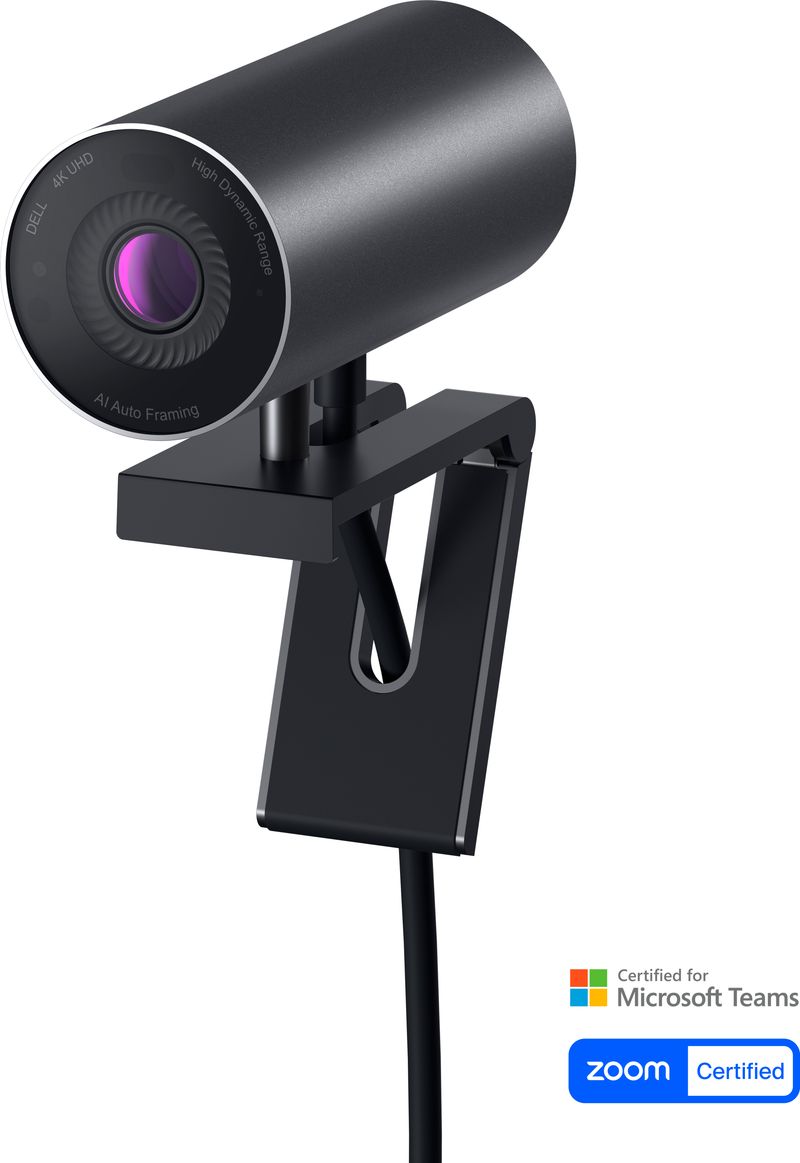
Corporate users and remote executives who need reliable, no-nonsense video quality often choose this Dell model. The WB7022 delivers clean 4K images with accurate colors and strong detail retention, even when you’re positioned farther back from your desk during group presentations or all-hands meetings.
Dell engineered this camera specifically for business use, so it prioritizes consistent performance over flashy features.
Smart framing and auto-light correction work together to keep you looking presentable throughout long meeting days. The camera automatically adjusts exposure when you move between different lighting zones in your office, and the framing algorithm keeps you centered without aggressive tracking that looks unnatural.
Image processing feels refined and professional rather than overly processed or artificial.
Build quality reflects Dell’s business-focused approach, with sturdy materials and a secure monitor mount that won’t slip during calls. The camera integrates smoothly with Microsoft Teams, Zoom, and other enterprise video platforms, and IT departments appreciate the standardized drivers and management tools.
While it costs more than consumer webcams, the rock-solid reliability, professional image quality, and strong distance performance make it a sensible choice for anyone whose career depends on looking sharp and prepared during important video calls and client presentations.
5. OBSBOT Tiny 2 (4K PTZ)
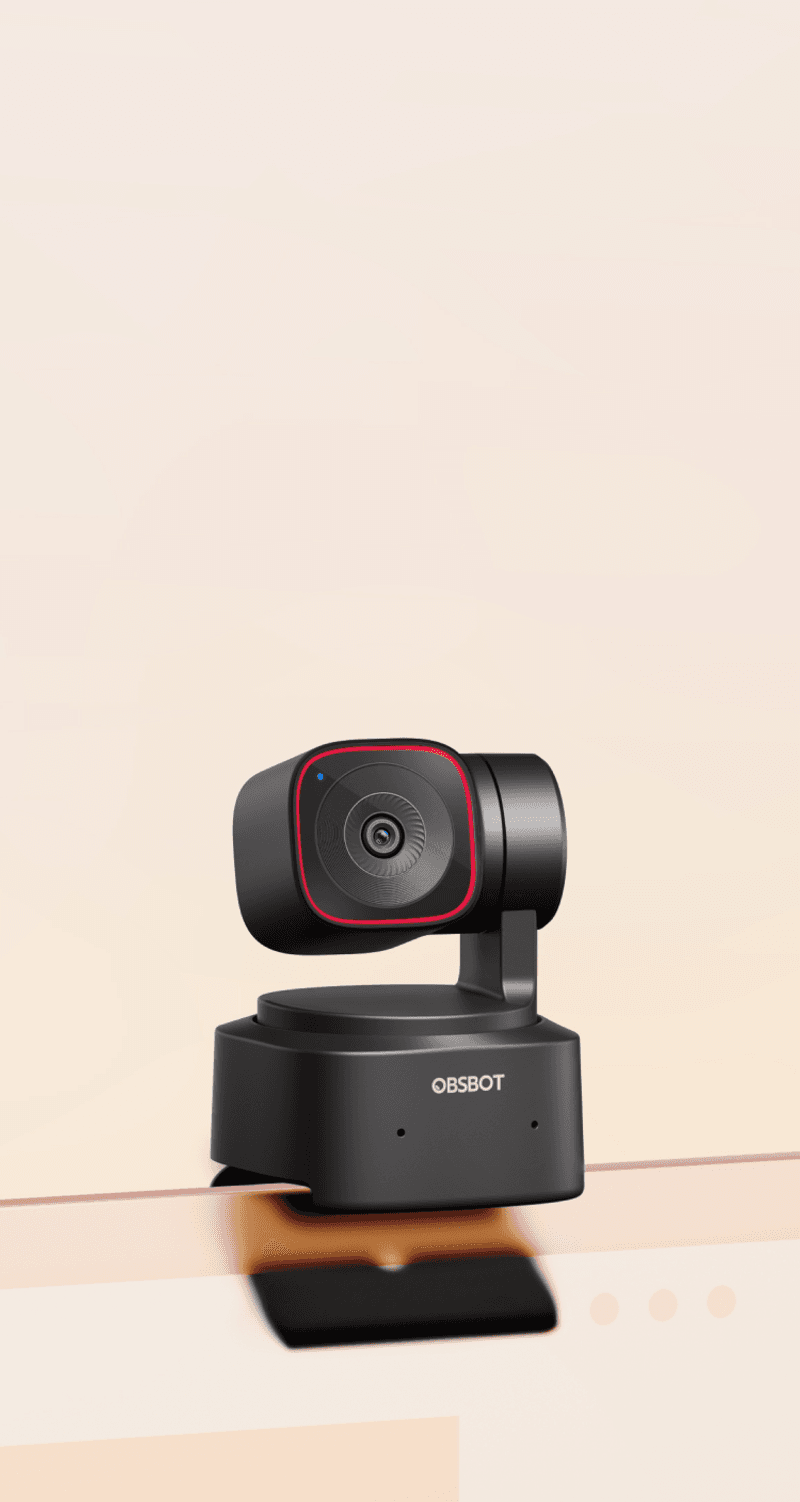
Remote teachers and demo presenters who need freedom to move around their workspace really benefit from this compact PTZ camera. The gimbal system tracks your movements smoothly, keeping you framed whether you’re standing at a whiteboard, reaching for teaching props, or stepping back to show something on a larger scale.
That tracking feels intelligent and natural, not like a security camera following a suspicious person.
Image quality stays impressively sharp even when you’re several feet away from the camera, which makes it perfect for showing hands-on demonstrations or physical products during online classes and tutorials. The 4K sensor captures fine details clearly, and the autofocus system adjusts quickly when you move closer or farther from the lens.
Colors look vibrant and true to life, which matters when you’re showing artwork, science experiments, or product features.
OBSBOT’s gesture controls let you trigger tracking modes with simple hand movements, so you don’t need to walk back to your computer to adjust framing mid-session. The camera remembers preset positions, making it easy to switch between wide shots and close-ups during presentations.
It’s positioned as a premium tool, but the combination of smart tracking, strong distance clarity, and hands-free controls makes it genuinely useful for educators and presenters who refuse to stay planted in one spot.
6. OBSBOT Tiny 3 (4K PTZ)
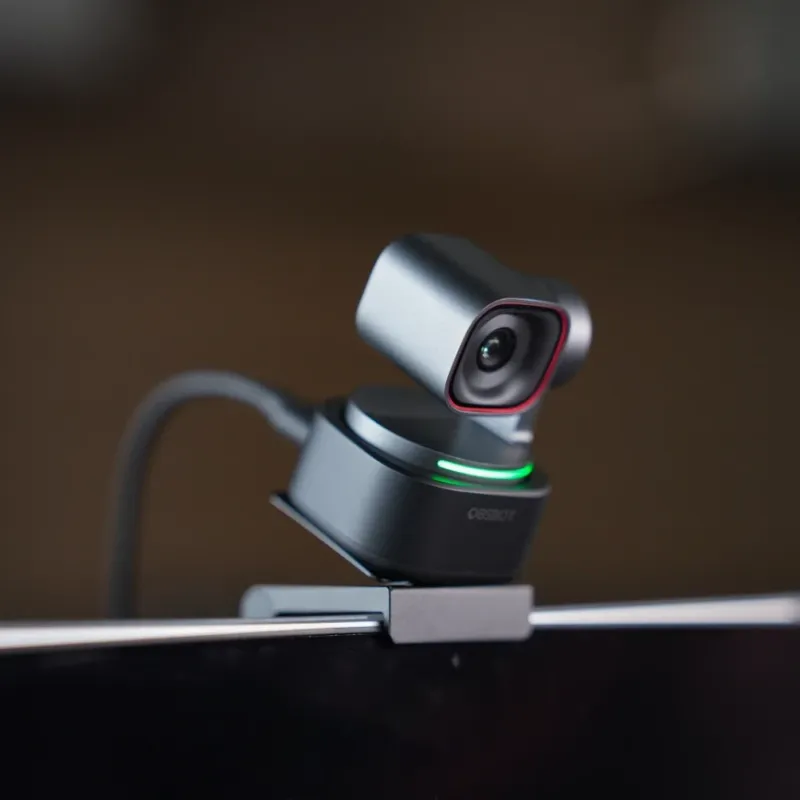
Professional streamers and content creators looking for cutting-edge webcam technology gravitate toward this newer OBSBOT model. Reviewers consistently note that the Tiny 3 produces slightly sharper images than its predecessor, with improved color accuracy and better low-light performance.
That extra bit of clarity becomes especially noticeable when you’re farther from the camera or working in challenging lighting situations.
Autofocus response feels snappier and more confident compared to older PTZ cameras, locking onto your face almost instantly when you move around. The tracking algorithms have been refined to predict movement patterns better, so the gimbal stays ahead of your motion instead of lagging behind.
This creates smoother, more professional-looking video that doesn’t distract viewers with jerky camera movements.
Advanced features include AI-powered gesture recognition, multiple tracking modes, and the ability to save custom framing presets for different types of content. The camera handles high-contrast scenes well, preserving detail in both highlights and shadows without aggressive HDR processing that looks artificial.
It’s definitely priced at the premium end of the webcam market, but the combination of superior image sharpness, responsive tracking, and professional-grade features justifies the cost for serious content creators and remote professionals who need absolutely top-tier video quality during their streams, calls, and recordings.
7. EMEET PIXY (Dual-camera PTZ 4K)
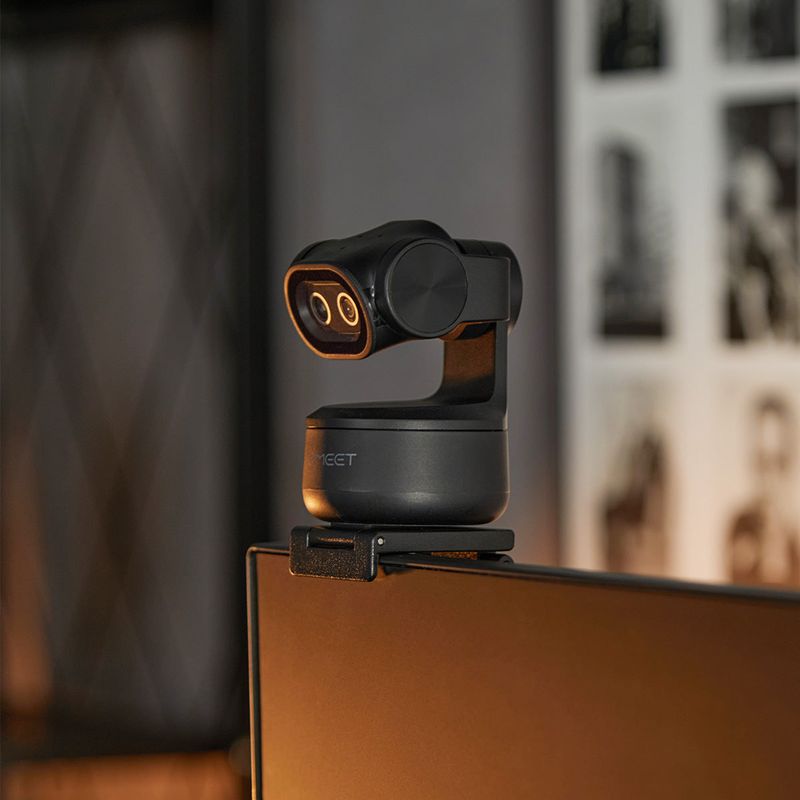
Remote workers in compact spaces appreciate how this dual-camera system delivers big performance in a surprisingly small package. EMEET designed the PIXY with two cameras working together: one tracks your movements while the other captures the main 4K image.
This setup enables faster autofocus and more reliable subject tracking than single-camera systems, especially when you’re positioned farther back from your desk.
Smart framing algorithms analyze the scene continuously, automatically adjusting the frame to keep you properly positioned whether you’re sitting still or moving around. The camera responds quickly when you shift positions, refocusing almost instantly to maintain that crisp, defined look.
Colors appear natural and well-balanced, and the camera handles varying light conditions better than many competitors in this price range.
The compact design makes it perfect for smaller monitors or cramped desk setups where bulkier cameras would look awkward. Despite its size, the PIXY doesn’t compromise on image quality, delivering clean 4K video with good detail retention even in moderate low-light conditions.
Setup takes just minutes because it works with standard video apps without requiring complicated software installation. While not as well-known as bigger brands, the PIXY offers solid tracking performance, fast autofocus, and reliable distance clarity that makes it worth considering if you want professional video quality without dominating your workspace.
8. Elgato Facecam 4K (4K60)
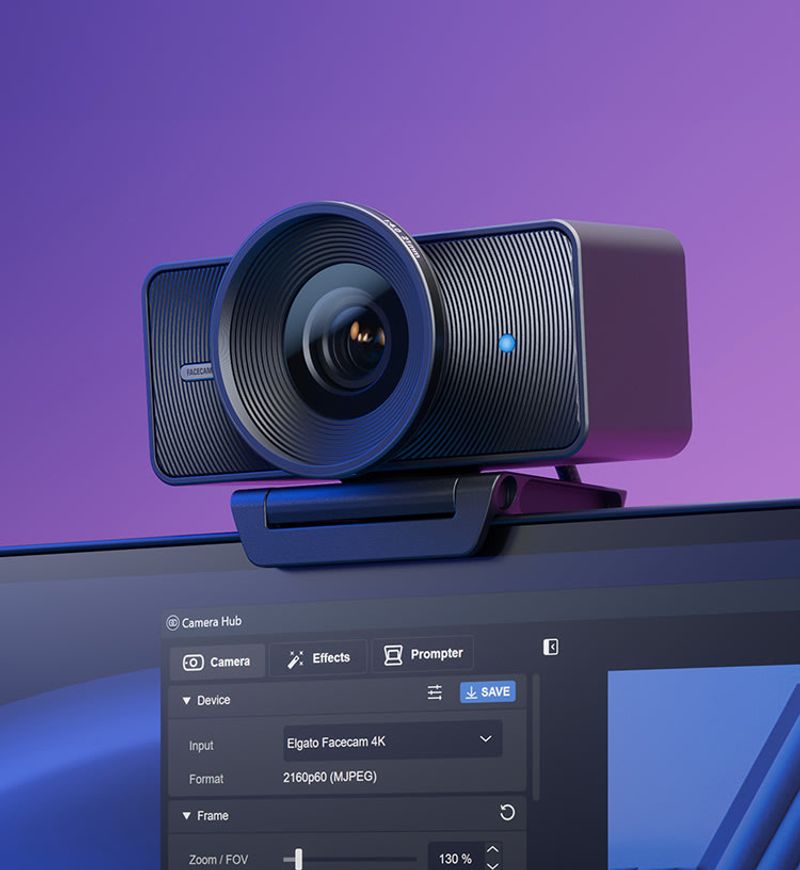
Serious streamers and video professionals who demand studio-level control love this camera’s DSLR-inspired feature set. The Facecam 4K records uncompressed 4K video at sixty frames per second, giving you incredibly smooth, detailed footage that looks more like a professional camera than a typical webcam.
That extra quality becomes especially apparent during fast movements or when you’re sitting farther from the screen and need every bit of detail preserved.
Manual controls let you adjust exposure, focus, white balance, and field of view with precision, just like working with a real DSLR camera. This level of control means you can dial in exactly the look you want instead of relying on automatic settings that sometimes make weird choices.
The camera maintains sharp focus across different distances, and the large sensor captures clean images even in less-than-perfect lighting conditions.
Elgato’s Camera Hub software provides professional-grade adjustments without overwhelming casual users who just want good video. The camera outputs a clean, crisp signal that looks fantastic for video calls, streams, and recordings.
Build quality feels premium and substantial, with a secure mount and high-quality lens elements. It costs more than most webcams, but the combination of DSLR-style controls, smooth 60fps recording, and consistently sharp distance performance makes it the go-to choice for anyone who takes their video quality seriously.
9. AnkerWork B600 Video Bar (1440p conferencing bar)
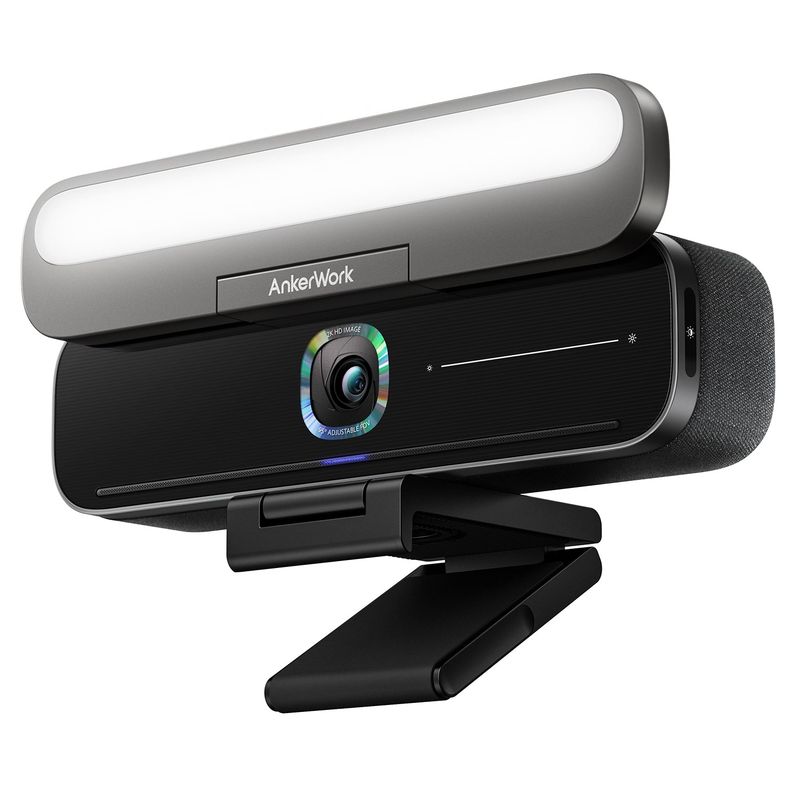
Remote professionals who struggle with lighting and framing issues during video calls find this all-in-one solution refreshingly practical. While the B600 doesn’t shoot full 4K like other cameras on this list, it compensates with an integrated LED light bar that solves the biggest problem most people face: looking washed out or shadowy during calls.
That built-in lighting makes a huge difference when you’re sitting farther back from your desk or working in rooms with poor overhead lighting.
AI-powered auto-framing keeps you properly positioned in the frame even when you move around or lean back in your chair. The wide-angle lens captures enough of your space to include hand gestures and body language, which helps you communicate more naturally during presentations and discussions.
Image quality looks clean and professional at 1440p resolution, which streams smoothly even on moderate internet connections.
The conferencing bar design means everything you need sits in one compact unit, eliminating cable clutter and simplifying your desk setup. Built-in speakers and microphones handle audio duties capably, though serious users might still prefer dedicated audio equipment.
Setup is genuinely plug-and-play, working immediately with Zoom, Teams, and other video platforms. While not the highest resolution option, the B600’s combination of consistent lighting, reliable framing, and practical all-in-one design makes it perfect for professionals who want consistently good-looking video calls without fussing with multiple pieces of equipment.